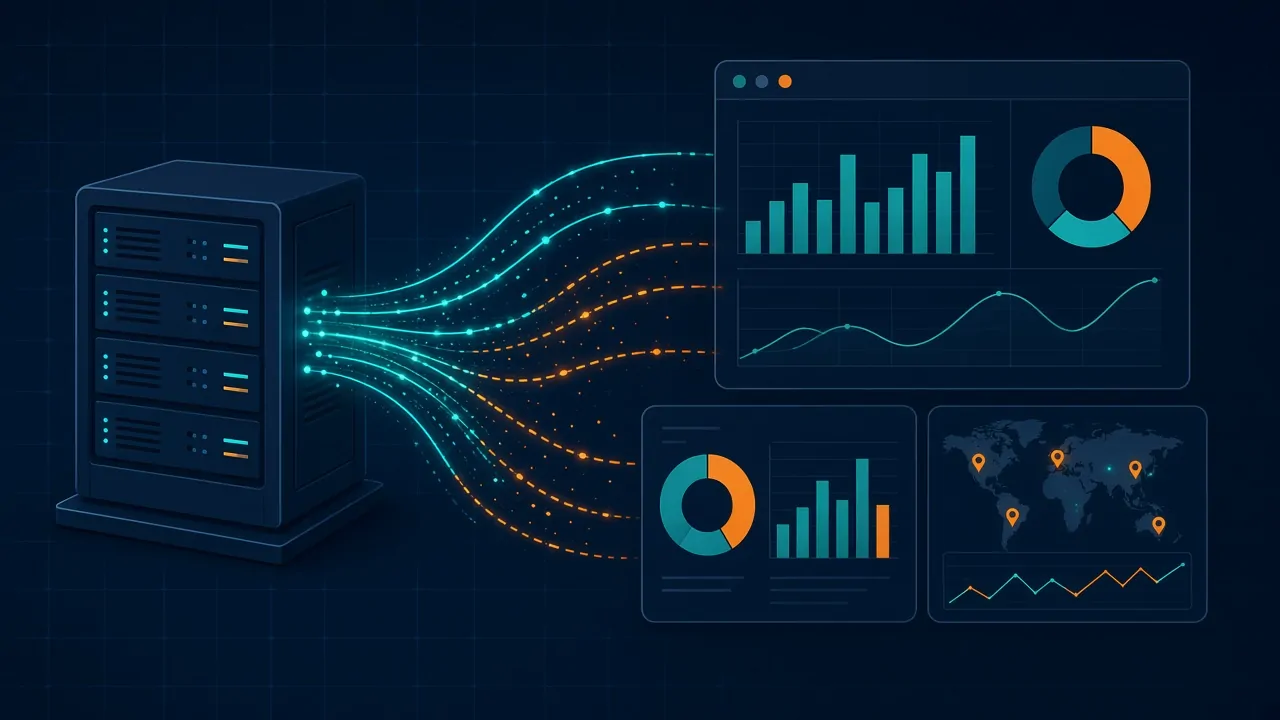
Your Ad Platforms Are Optimizing on Bad Data
The Problem
You’re paying for clicks, and the leads are showing up. But Google and Meta often never find out which of those leads turned into revenue. They see the form fill, they miss the phone call, and they never hear about the deal that closed three weeks later.
So the algorithm does exactly what you trained it to do: it finds more people who fill out forms, not more people who buy.
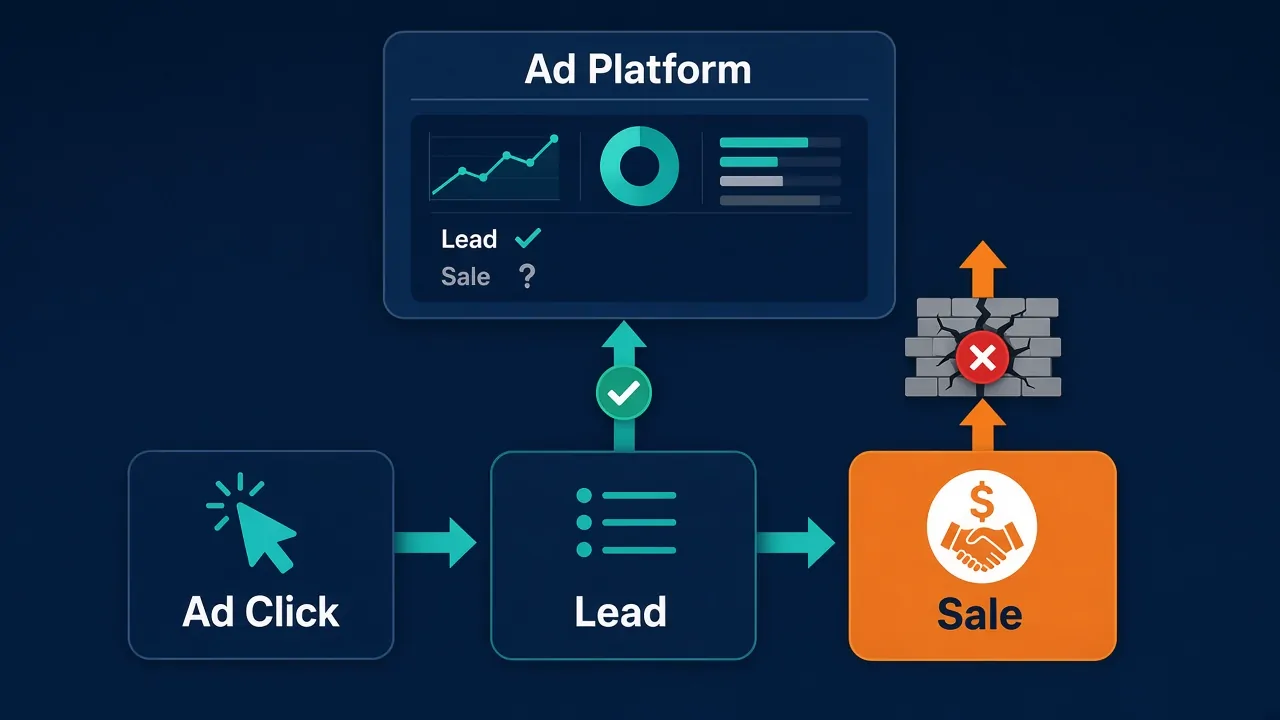
On top of that, ad blockers, browser privacy features, and consent banners quietly block a lot of the data that does try to get through.
The Solution
Close the loop so every platform sees every real conversion, tied to the click that drove it. That takes five things:
- 1Get your tags past blockers with Google Tag Gateway
- 2Send conversions server-side
- 3Capture and send click IDs, not just email
- 4Connect offline sales and phone calls
- 5Keep the data clean
1. Get your tags past blockers with Google Tag Gateway
The issue
Google tags normally load from and send data to Google’s own domains. Ad blockers and privacy-focused browsers know those domains and block them, so conversions never get recorded.
The fix
Google tag gateway for advertisers serves your Google tags from your own domain and routes measurement data through it, using your CDN, load balancer, or web server. To the browser it looks like first-party traffic, so far less of it gets blocked. Google reports an 11% uplift in signals for advertisers who turn it on, and in our own implementations we’ve seen measurable traffic to the platforms climb 15% or more. Cloudflare offers a near one-click setup.
Be clear on what this does, though: it recovers hits that were being blocked before they ever sent. That’s more data reaching the platforms, not better data. Making what you send accurate is the job of the next four fixes.
2. Send conversions server-side
The issue
Browser pixels alone miss purchases because of cookie limits, Apple’s App Tracking Transparency, and ad blockers.
The fix
Use Meta’s Conversions API (CAPI) and Google’s enhanced conversions to send conversions straight from your server to the platform. Your store or CRM reports the order, its value, and customer details directly.
This isn’t always easy, and sometimes it isn’t fully possible, depending on your stack and what your team controls. Server-side GTM helps here: a server-side container catches your site’s events and forwards them to each platform for you, instead of hand-building every integration. And where full server-side sending is out of reach, the rest of this list matters even more, since click IDs, offline conversions, and clean data end up carrying more of the load.
3. Capture and send click IDs, not just email
The issue
Most setups only send a hashed email. That helps, but the platform still has to guess which person and which click it belongs to.
The fix
Every ad click adds an ID to your landing page URL. Capture it, store it with the lead or order, and send it back with the conversion:
| Platform | Click IDs to capture |
|---|---|
gclid, gbraid, wbraid | |
| Meta | fbclid (sent back as fbc) |
A click ID ties the conversion to the exact ad click. Combine it with hashed email and phone for the strongest match.
4. Connect offline sales and phone calls
The issue
Lots of customers click an ad and then call instead of filling out a form. Others turn into deals weeks later in your CRM. The ad platform never hears about any of it.
The fix
- Store click IDs and contact details in your CRM at the first touch.
- Use call tracking that ties each phone call to its ad click.
- Send closed deals and offline orders, with real revenue values, back to Google and Meta as offline conversions.
5. Keep the data clean
The issue
Even working setups drift. Events get counted twice, values go missing, and plugins break after site updates. The deeper problem is that tracking rarely has an owner. Marketing wants the ads live, development wants the page shipped and working, and no one in the room is thinking about measurement, so new pages and features tend to launch with no tracking at all unless someone deliberately catches it.
The fix
- Share one event ID between the pixel and the server so platforms can deduplicate.
- Send real order or deal values, not one flat number.
- Watch Meta’s Event Match Quality score and Google’s enhanced conversions status.
- Compare platform-reported conversions against actual orders and closed deals every month.
- Give tracking an owner and put it on the launch checklist, so new pages and features ship instrumented instead of as an afterthought.
The Bottom Line
Ad platforms are only as smart as the data you feed them. When they see every real sale, linked to the click that drove it, they stop chasing cheap leads and start finding more customers like your best ones. Fixing the data improves every campaign at once, and it’s often a bigger win than any budget or creative change.
Not Sure Where Your Gaps Are?
Get a clear picture
Full Count runs a tech and data audit that maps exactly what your site, CRM, and ad platforms are sending (and missing), then gives you a prioritized plan to fix it.
Get a systems audit