Why Your GA4, Google Ads, Meta, and Shopify Numbers Don't Match
The Problem
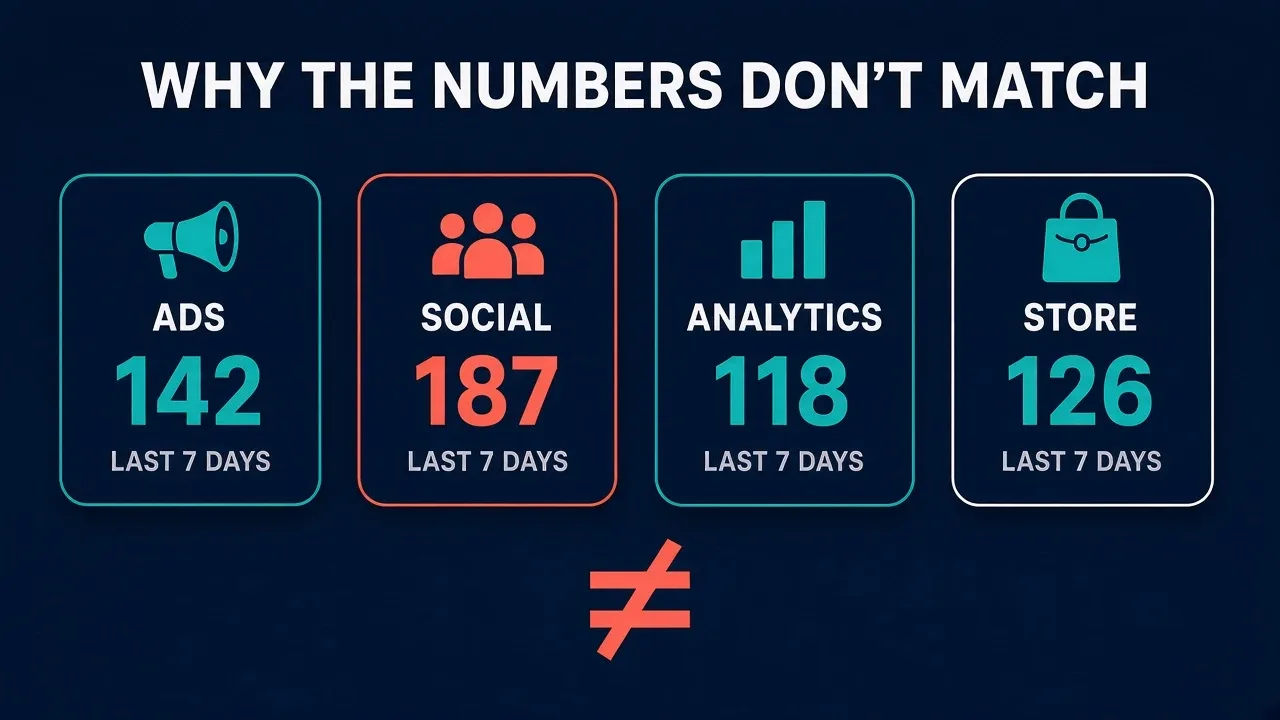
You pull last week’s numbers and every platform tells a different story. Google Ads says one thing, Meta says another, GA4 a third, and Shopify or your CRM a fourth. The gut reaction is that something’s broken, and you go looking for the bug. Usually there isn’t one. Each system is answering a different question, by its own rules, about the same pile of orders.
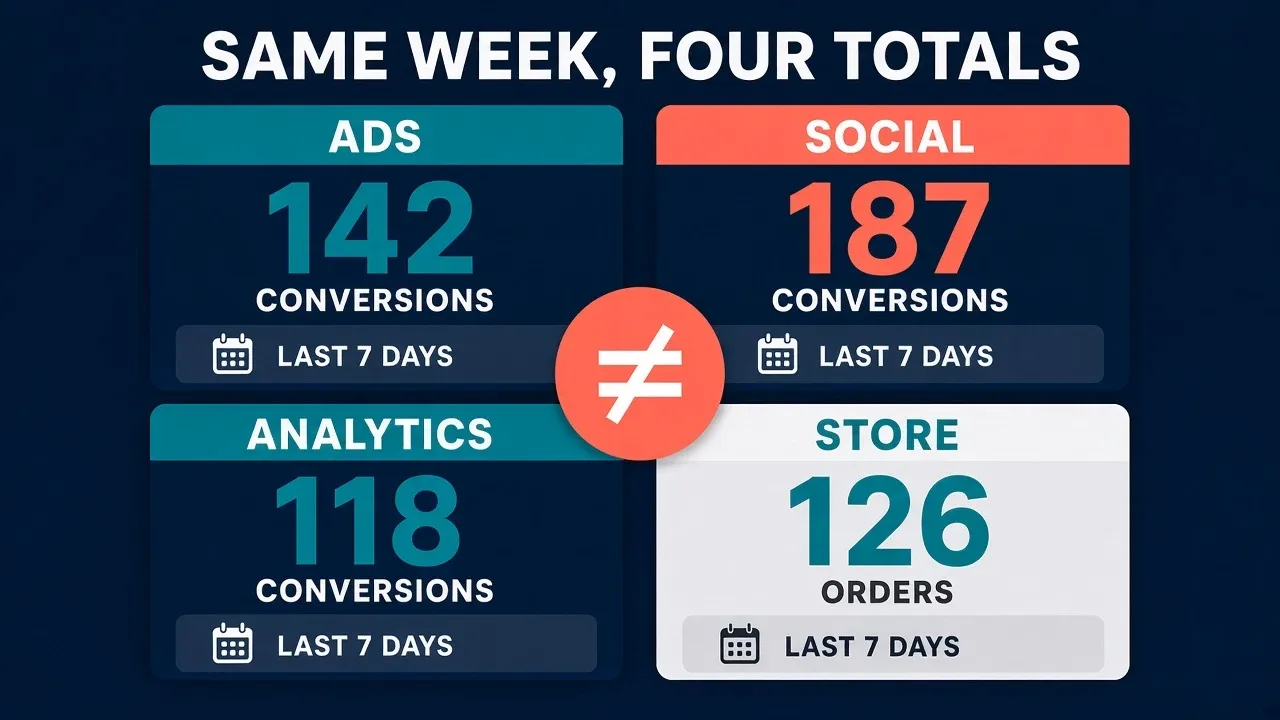
So the goal isn’t to make the numbers identical. It’s to know which tool answers which question, and when a gap is just different definitions instead of a real bug. That starts with being clear on what each platform is actually for.
What each platform is for
The move that breaks every reconciliation is adding Google Ads conversions to Meta conversions and expecting the total to match Shopify. It won’t. If a customer clicked both ads, both platforms get to claim the sale. GA4 is off doing its own thing, counting the purchase events it managed to see and handing out channel credit on top. Shopify and your CRM count the orders and closed deals that actually hit your bank account. Four scorekeepers, four jobs.
So give one system the final say on revenue, and make it Shopify, your CRM, or your order ledger. That’s the number that goes on the P&L. Keep Google Ads and Meta for steering campaigns inside their own walls, not for closing the books or racing each other head to head. When you want one clean number for the whole machine, that’s blended ROAS, coming up next. And let GA4 do what it’s genuinely good at, which is the on-site story of funnels and landing pages.
That last point about GA4 is the one worth sitting on, because it’s where the reconciling instinct does the most damage. No analytics platform is built to hand you an exact number, GA4 included. It’s built to show you trends you can actually act on. Strip it down and GA4 does two jobs:
- It reads your marketing channels. Where your traffic and your conversions are really coming from.
- It reads on-site behavior. How people move through the site and where they drop off.
Which is what lets you make the two calls that pay for it:
- Where to put the next advertising dollar.
- Which pages to fix or test. The friction and the openings worth a CRO experiment.
Try to force GA4 to the exact order count and you’re demanding precision from the one tool that was never built to give it. Read it for direction instead.
Worth knowing: Shopify’s marketing reports only summarize Online Store orders and default to last non-direct click. Handy as a channel view, but it’s not an ad-platform conversion, so don’t line it up against one.
Here’s the quick version of who does what, so you know which screen to open for which question:
| Tool | Treat it as | Open it to | Don't use it to |
|---|---|---|---|
| Google Ads | Google's own attribution view | Optimize Google campaigns and bids | Count total revenue |
| Meta | Meta's own attribution view | Optimize Meta campaigns and creative | Count total revenue |
| GA4 | On-site analytics | Read funnels, landing pages, and paths | Reconcile orders or revenue |
| Shopify / CRM | Your ledger, the source of truth | Settle revenue, orders, and the P&L | Judge one ad's performance |
Just want one honest number? Go blended
When you only want to know whether the ads are paying off, skip the attribution squabble and go blended. Add up everything you spent to get the sales, every platform’s ad spend plus any agency or management fees, then divide your real revenue by it. That’s blended ROAS, and it’s the number I trust for a top-line read.
It works because it doesn’t care who gets credit. It can’t double-count a sale, since the revenue comes straight off your ledger, and it can’t flatter one channel, since the spend is all of it in a single bucket. The part people forget is the agency fee. If you’re paying someone 15% to run the ads, or a flat retainer, that’s real money you spent to get those orders, so it belongs in the denominator right next to the spend. Leave it out and your ROAS reads better than your bank account does.
Blended won’t tell you which ad to pause. That’s still the platform’s job, inside its own walls. What it tells you, honestly, is whether the whole machine is making money.
When the numbers still won’t line up
Once you know who counts what, most gaps explain themselves. When you do need to reconcile two reports line by line, these are the four things to work through, roughly in order.
Compare the same dates the same way
A lot of “my numbers are off” turns out to be a calendar problem. Google Ads stamps a conversion on the day of the click, not the day the sale happened. Someone clicks Monday and buys Friday, and Google Ads files it under Monday while Shopify, GA4, and your CRM all file it under Friday. Same sale, different day, instant mismatch.
Two habits clear up most of it. First, add the Conversions (by conv. time) or All conv. (by conv. time) column in Google Ads whenever you’re lining it up against another tool. Second, only compare finished periods, never today or yesterday. Google says Ads and Analytics can take 24 to 48 hours to finish syncing, and a conversion can still land up to 90 days after the click. While you’re in there, check that every account is on the same time zone, because Analytics uses the property time zone and Google Ads uses the account time zone, and a mismatch slides orders right across midnight.
Line all that up and you’ll still see a gap, and that’s fine. Google itself says differences of up to 20% are normal from the attribution models alone. Don’t go chasing the last few percent.
Line up attribution windows and models
Every platform looks back a different number of days and splits the credit its own way. First, just the lookback windows, drawn to scale:
And here’s the detail, with how each one splits the credit:
| Platform | Default window | How credit is assigned |
|---|---|---|
| Google Ads | 30-day click, 1-day view-through, 3-day engaged-view | Data-driven for most actions |
| GA4 | 90-day lookback for most key events (30 days for first visit or first open) | Data-driven, across paid and organic |
| Meta | The click and view windows set on each ad set | Credits a Meta click, and often a view |
| Shopify marketing reports | Cookie-based, across visits; the first-interaction referrer resets after 30 days without an order | Last non-direct click by default, across visits, not just the buying session |
That’s why a sale 20 days after a Meta click can show up in Google Ads and GA4 but go missing in Meta. And Google Ads only ever reports a conversion that had a Google Ads interaction in that account, so anything it never touched simply isn’t in there.
Before you compare two reports, write down the window and the model each one is using. GA4 is sneaky here: Session source/medium uses last click and drops direct, First user source keeps the original source, and plain Source/medium follows your attribution model, data-driven by default. The same purchase can land in a different channel depending on which one you pick, so match like for like, and use event-scoped Source/medium when you’re comparing to an ad platform. In Shopify, choose the model you’re trying to match, or switch to “any click” to see every channel that touched the order. One gotcha: changing a Google Ads window only counts going forward.
Account for what only one platform counts
Some conversions live in one system and nowhere else, and that’s by design, not a bug. Here’s what tends to show up in only one place:
- View-through conversions. Meta often counts a purchase from someone who only saw the ad. Google Ads keeps view-through out of the main Conversions column, and Shopify and GA4 don’t credit a view at all.
- Modeled conversions. When cookies or consent go missing, Google fills the gap with modeling, including consent mode modeling, right inside the Conversions number. Your store and CRM never add an estimate like that.
- Cross-device journeys. Meta and Google can connect a phone ad to a laptop purchase because people stay logged into Facebook, Instagram, and Google. When the order arrives with hashed customer details, like the email Shopify’s Facebook & Instagram app sends through the Conversions API at its Enhanced and Maximum data sharing levels, Meta matches it to the signed-in person who clicked or saw the ad. Shopify and GA4 lean on cookies, so the same shopper on two devices can look like two visitors unless they log into your store.
- Orders ads never see. Shopify totals can fold in POS, draft orders, and other off-web channels. A CRM counts the deal your rep closed on the phone, not just the form fill.
- Refunds. Shopify can drop a refund in as a negative on the day it clears. Ad platforms usually leave the original purchase sitting there unless you send an adjustment.
Put it in a grid and the pattern is obvious: the ad platforms and the store are each counting a different set of things on purpose.
The fix is less interesting than the list: start from your store or CRM orders, then add and subtract these buckets until both sides describe the same population. Web orders only. Net or gross, pick one and hold to it. Click-through or observed, if that’s what you’re trying to match.
Check the plumbing for real errors
Do all of the above and a gap can still be left over. That’s when it might actually be a bug: a tag that never fires, a consent banner quietly blocking measurement, a purchase counted twice, or a lead action set to fire on every form submit.
Start by making sure you’re even looking at the same conversion. Google Ads’ Conversions column only includes primary actions, so secondary and view-through won’t appear unless you switch to All conversions. Check the counting method too: Every logs a conversion for each purchase after a click, which is the website default, while One logs a single conversion per click, which is usually what you want for leads. Then hold the platform’s purchase count up against your real orders or closed deals for a finished week. If a platform claims more conversions than you had orders, go hunting for duplicate tags, missing event IDs, or imported conversions stacking on top of a tagged one.
If the definitions all line up and the gap is still ugly, now you’ve found a real tracking problem instead of a reporting quirk. That’s the part worth your attention.
The Bottom Line
GA4, Google Ads, Meta, and Shopify were never built to agree. One’s a ledger, two are ad attribution engines, and one is an analytics read on the sessions it happened to catch. Know what each one is for, lean on blended ROAS when you just need to know the whole machine is working, and reconcile line by line only when a gap refuses to explain itself. Whatever’s left after that is the real problem, and that’s the number worth your time.
Not Sure Where Your Gaps Are?
Get a clear picture
Full Count runs a tech and data audit that maps exactly what your site, CRM, and ad platforms are sending (and missing), then gives you a prioritized plan to fix it.
Get a systems audit